Menu bar translator · macOS
Bee Translate
中文 · English
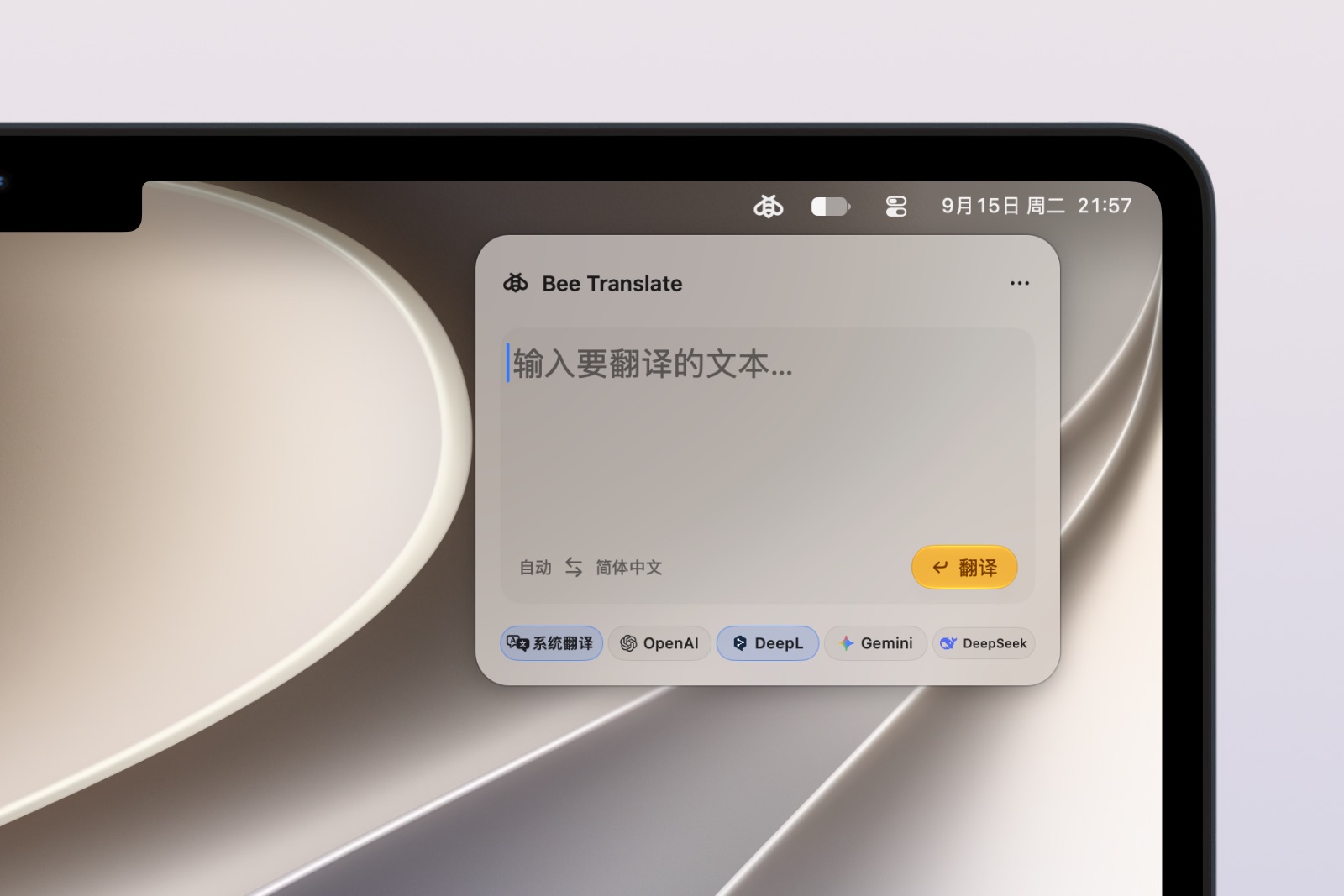
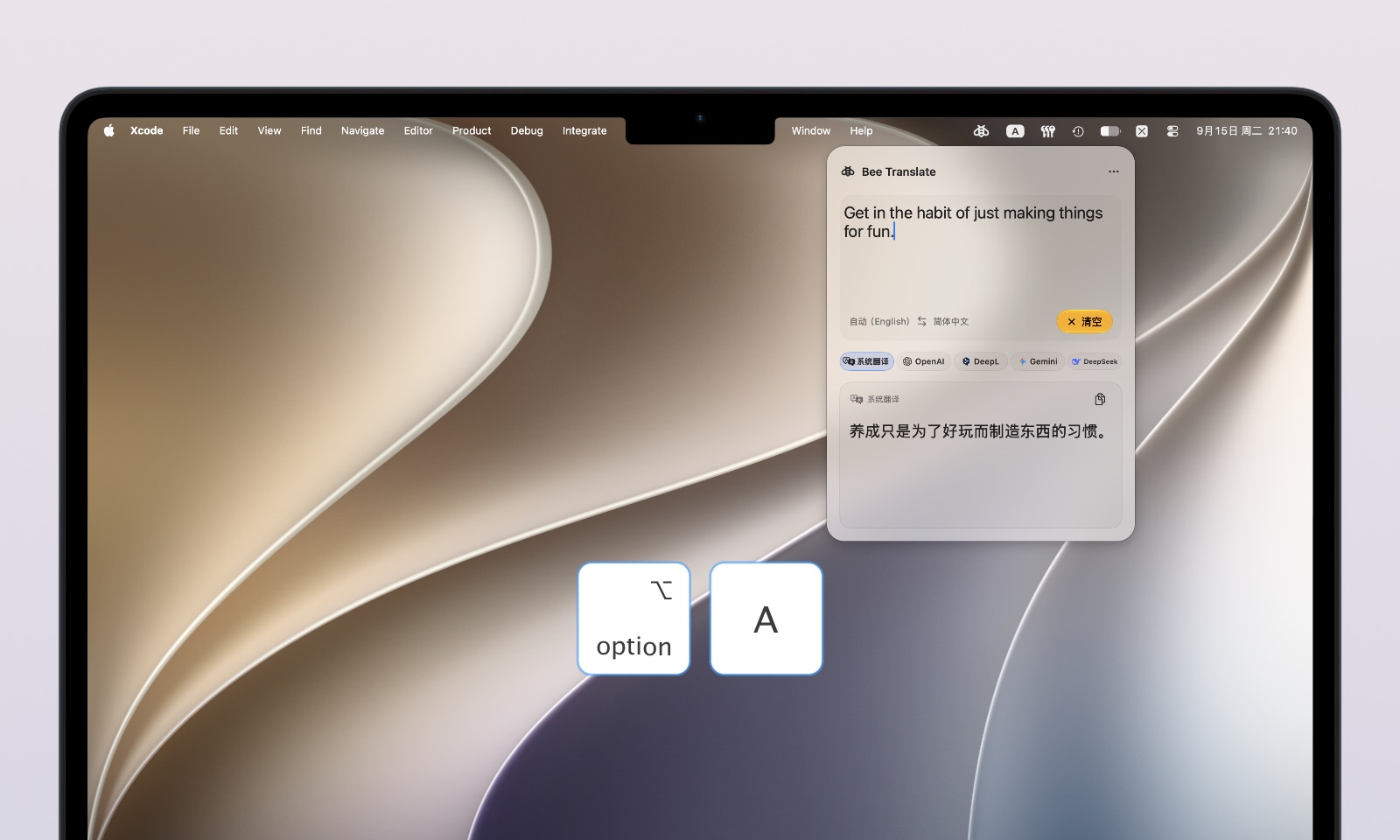
Bee Translate is a macOS menu bar translator. Type or paste text directly from the menu bar, use Apple’s on-device translation, or connect your own online translation service.
Features
- Translate text directly from the Mac menu bar
- Use Apple’s on-device translation
- Connect OpenAI, DeepL, Gemini, or DeepSeek
- Use your own API key for online services
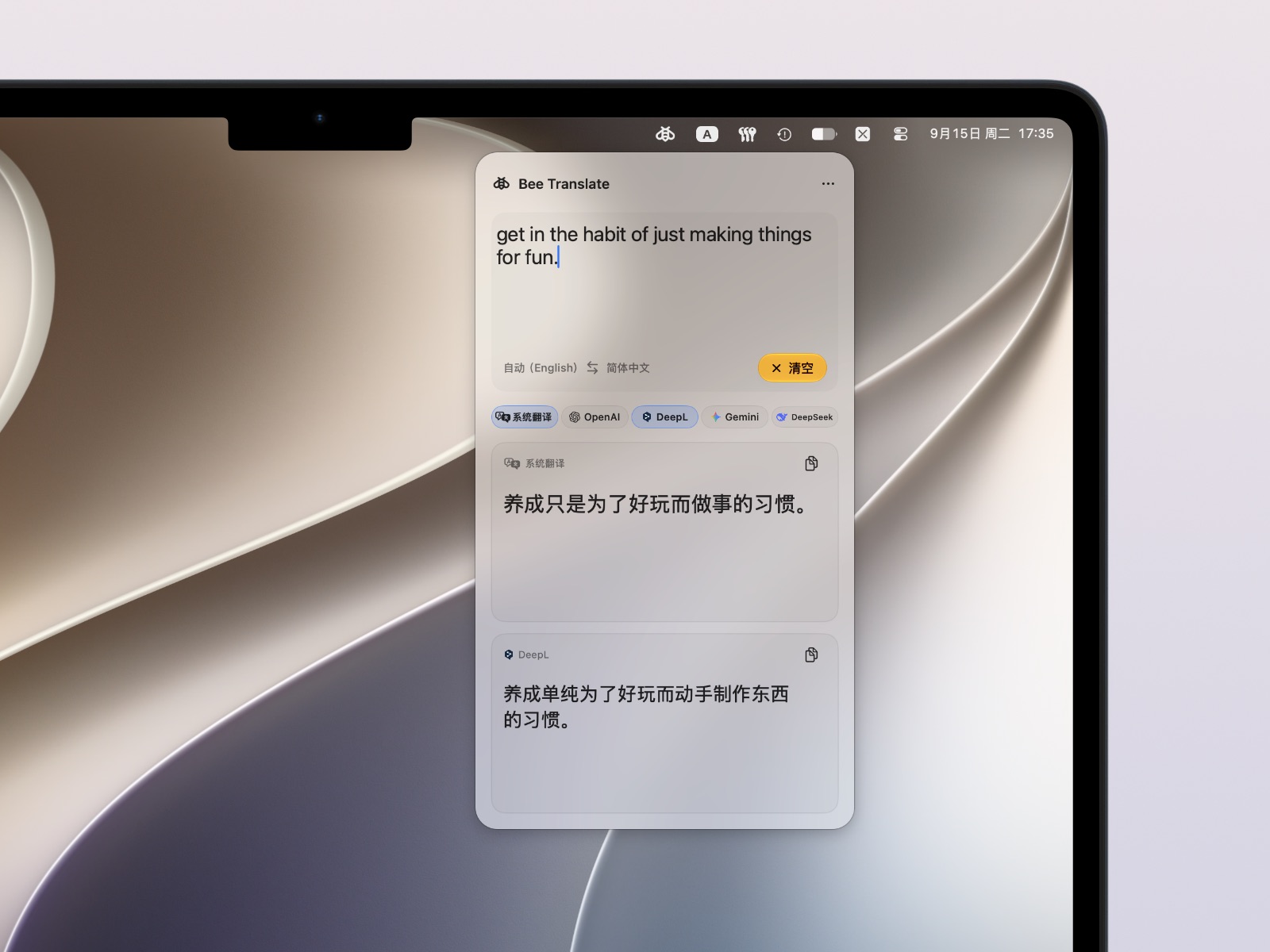
- Compare two translation results side by side
- Copy each translation separately
Help
Apple on-device translation
Enable System Translation under Translation Services to use the translation capability built into macOS. The system may need to download language resources the first time you use certain languages.
On-device translation is performed on your Mac. The text you translate is not sent to the online translation services listed below.
Online translation services
Open Settings → Translation Services, choose OpenAI, DeepL, Gemini, or DeepSeek, and add your own API key. Bee Translate explains what data will be sent and asks for your consent before validating and storing the key.
API keys are stored in the macOS Keychain. Availability, fees, usage limits, and data handling are determined by the service provider.
If translation does not complete
Check the following:
- Your Mac is connected to the internet when using an online service.
- Your API key is valid and the provider account has available quota or credit.
- The required Apple on-device translation language resources have finished downloading.
- The target language and translation service are configured correctly in Bee Translate.
If the problem continues, contact support using the email address below.
Contact and support
For help with Bee Translate or to send feedback, email:
To help us investigate, include the following when possible:
- Bee Translate version
- macOS version
- Translation service being used
- Steps that reproduce the issue and any error message
- A screenshot if useful, with API keys and other sensitive information hidden
Support requests are welcome in Simplified Chinese, Traditional Chinese, or English.